PlainNote
For plain text lovers
Features
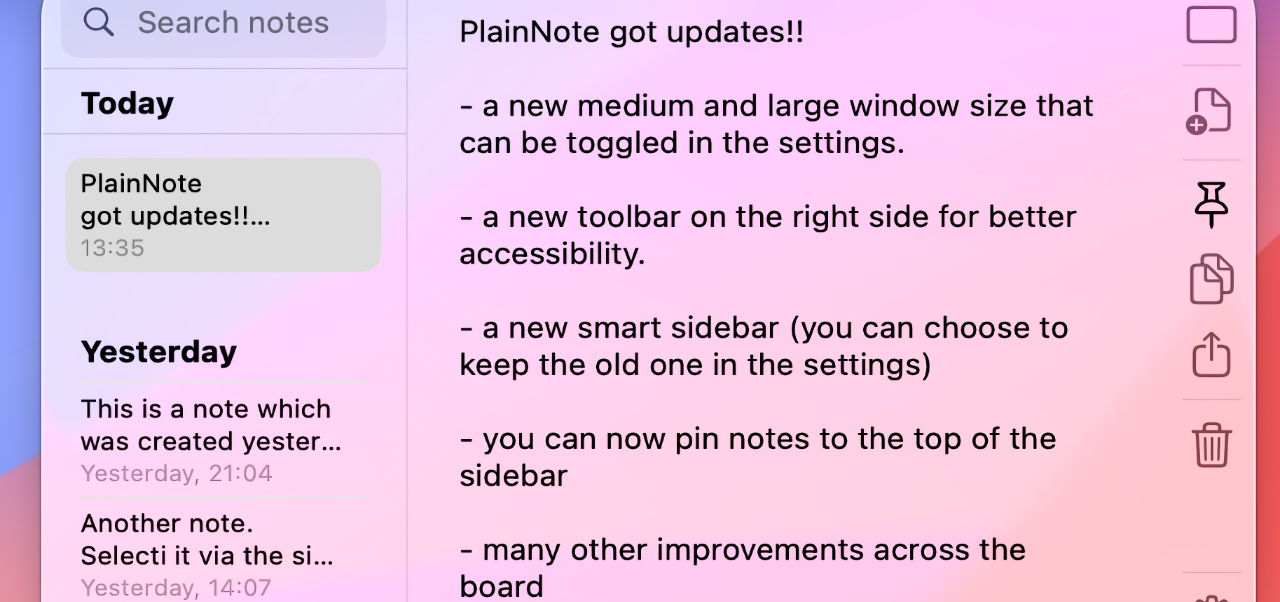
A simple plain text note taking editor that lives in your menu bar.
Write away in the editor and save multiple notes.
Notes are saved in a database locally on your Mac. They are not encrypted, so don’t save sensitive information.
Other features:
- Three adaptable window sizes
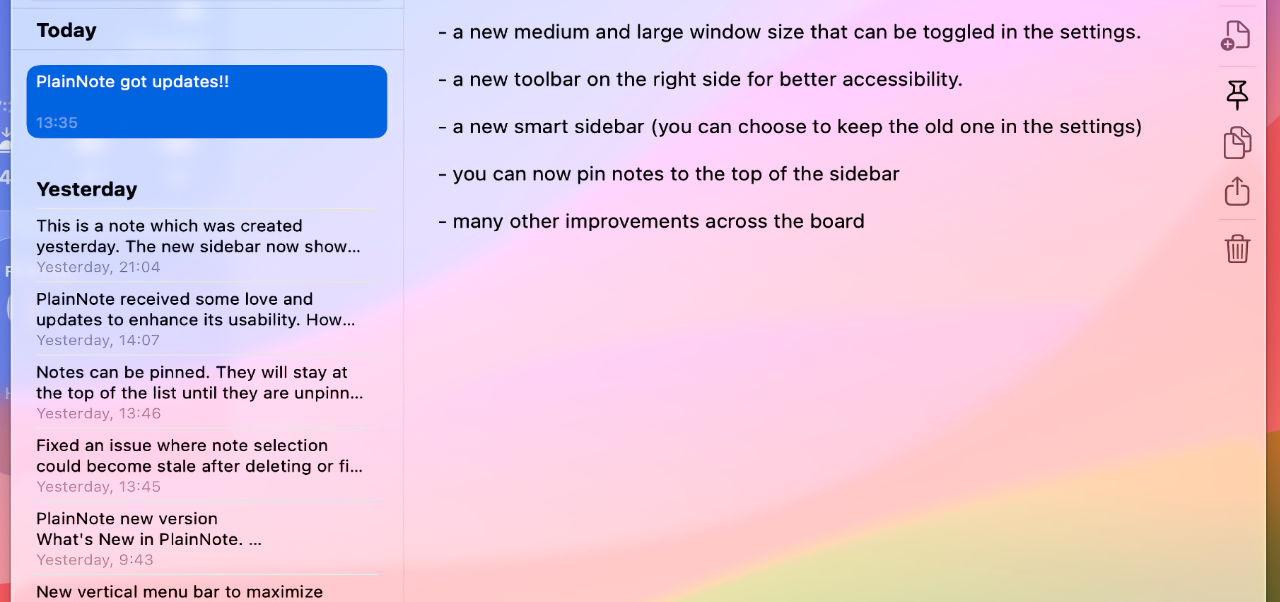
- Sidebar to select, pin and search notes.
- Side bar can be shown/hidden
- Quick actions like copy, share, pin accessible via the menu bar
- Quickly copy the whole note via button or by pressing <Shift> + <Cmd> + C
- New note via button or by pressing <Cmd> + N
- Settings: set the font size, window size, sidebar mode, app launch behaviour and terminate app
About PlainNote
PlainNote is free, no in-app purchases, no data collection, no advertising, etc. It grew out of a hobby project and I use it myself. It is not professional software and not aimed at production, for critical or commercial tasks, or anything that may cause you damage. Have fun with it, but be aware that it may have bugs.
Data policy
PlainNote stores your data in a local CoreData store on your Mac. And that's where it stays. Apart from this PlainNote does not collect any data from its users. PlainNote also does not transfer data. When you download PlainNote from the Apple App Store, Apple may collect data about you. There may be some data transfer due to Apple's operating systems (like crash logs, etc). PlainNote is not connected to this data collection or transfer. For the relevant terms, please refer to Apple's terms and conditions.